The machines
Which terminal do you need?
The choice starts with one question: do you need to hand someone a printed receipt?
Get the highlights
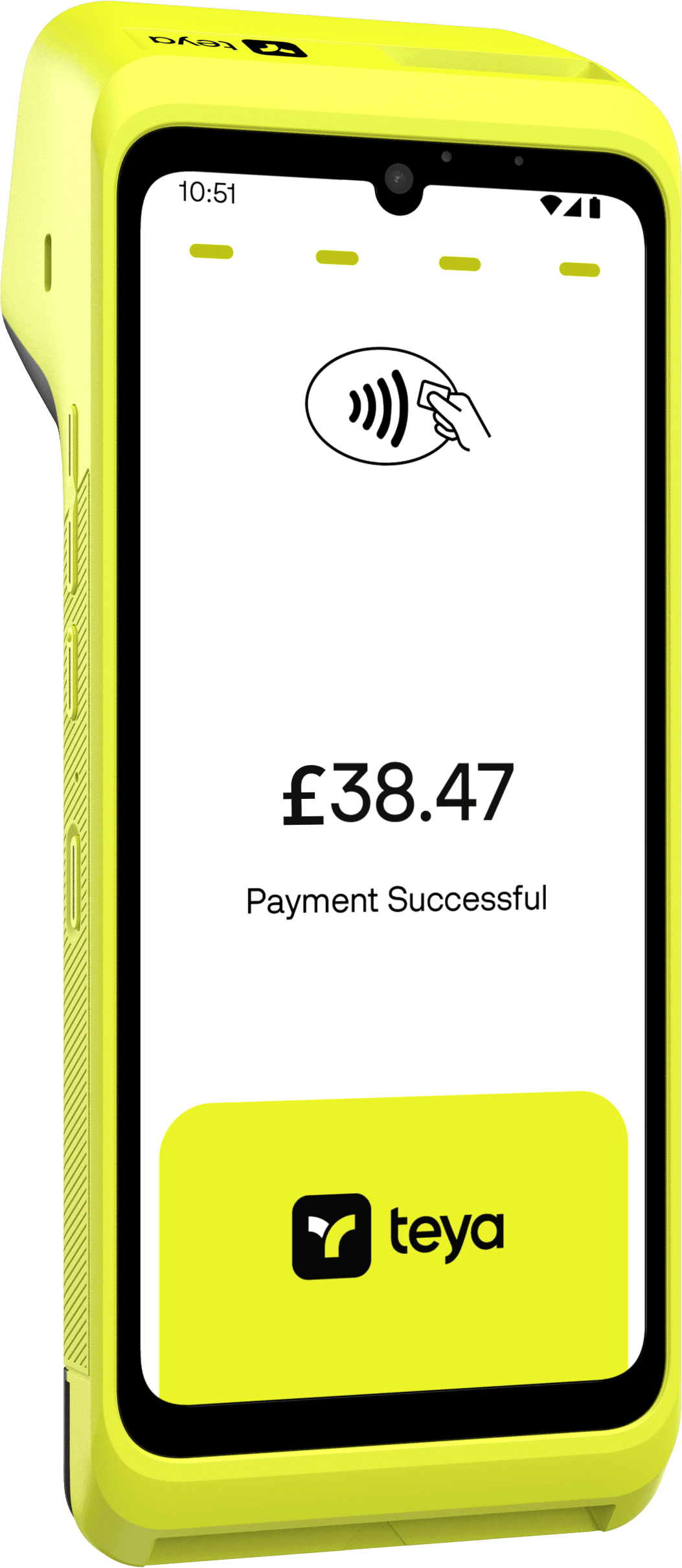
Built-in printer, prints every receipt on paper.
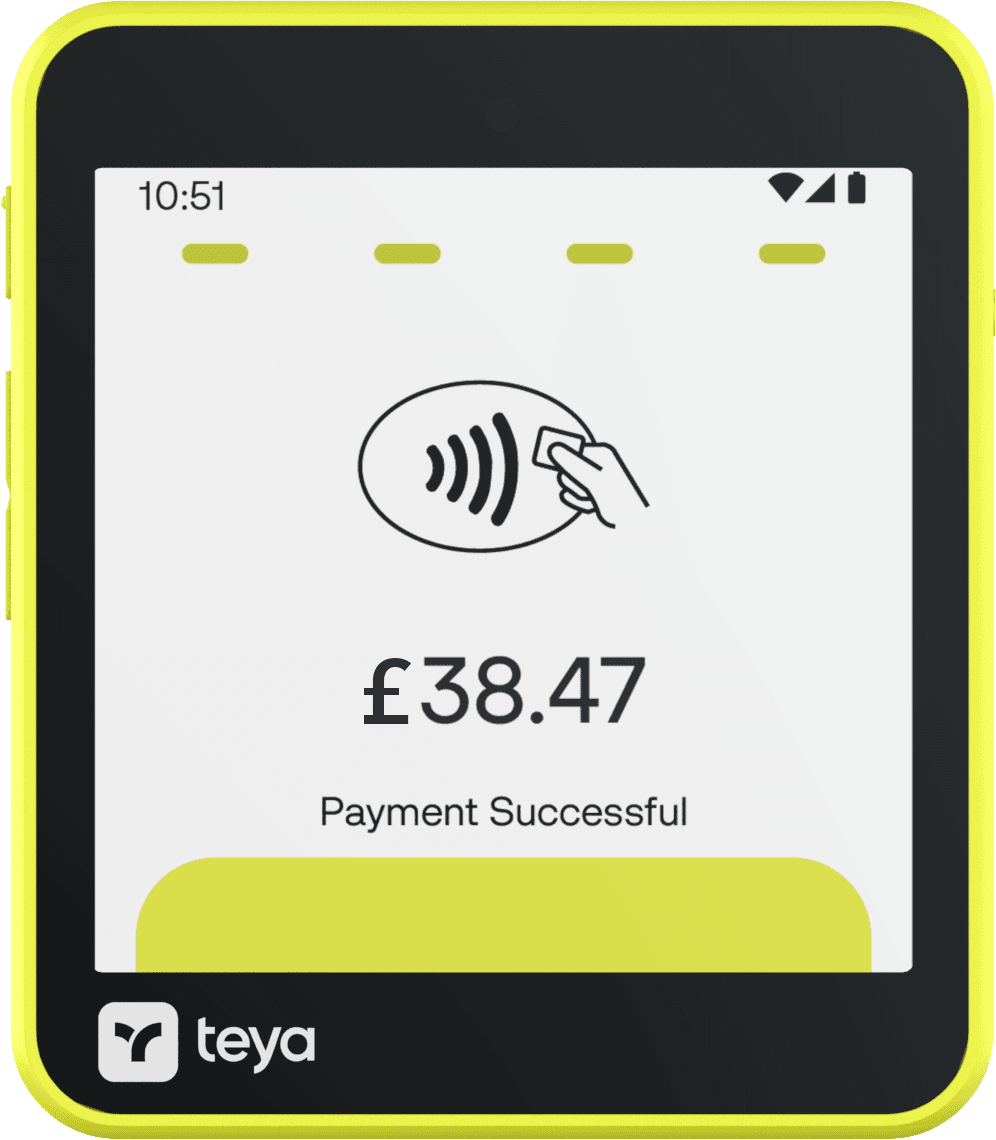
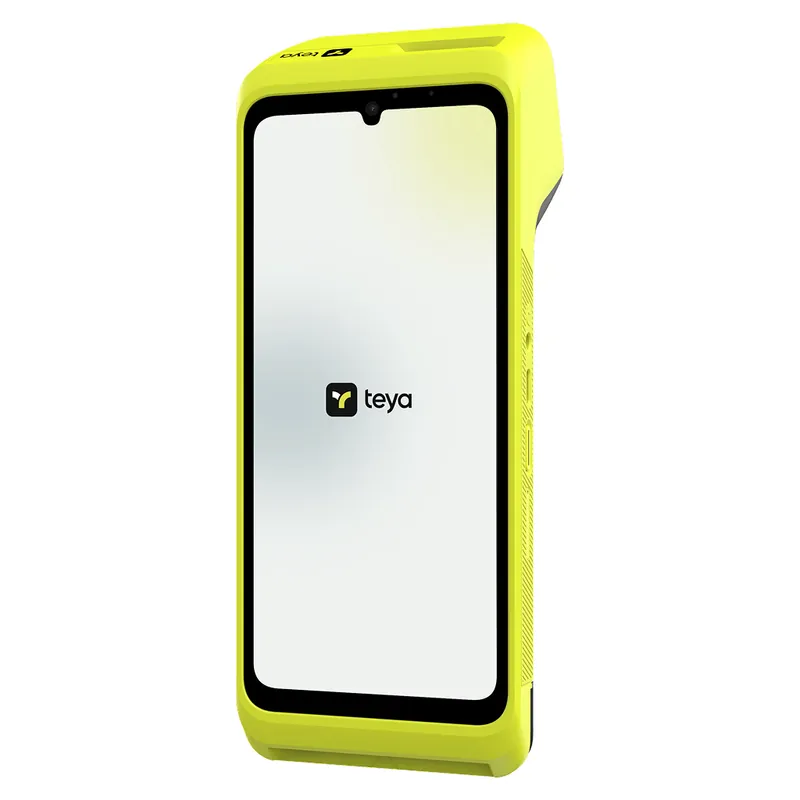
No printer, digital receipts by NFC.
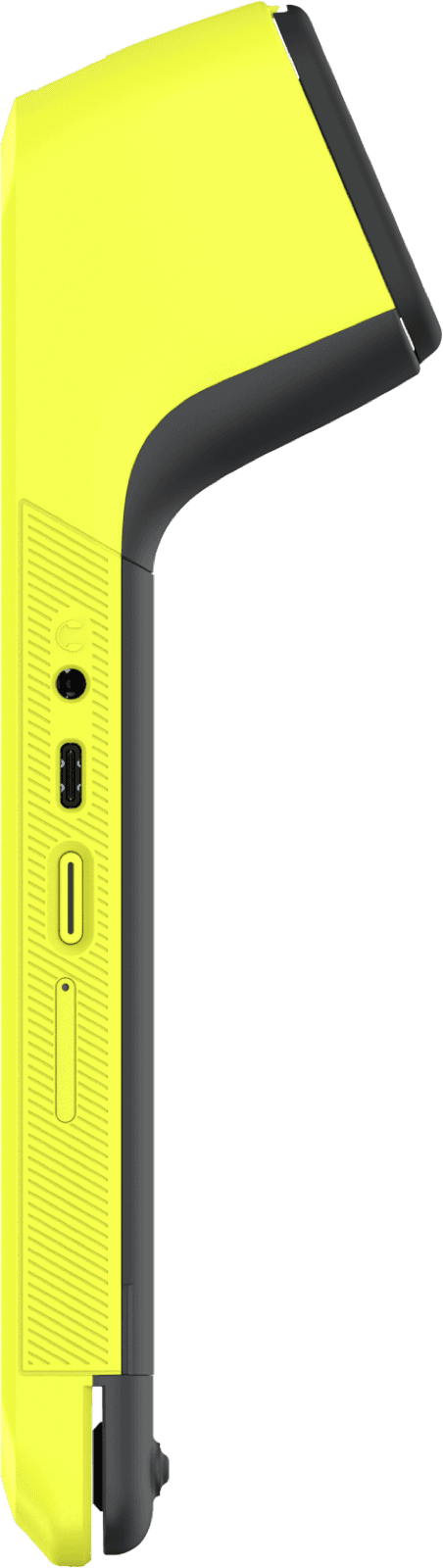
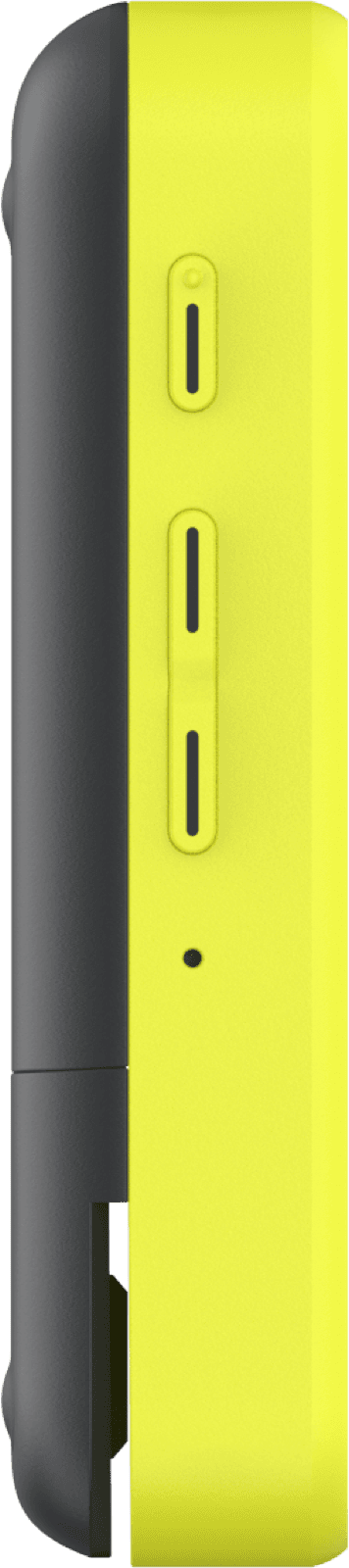
less than half the weight of Teya Pro
over 12 hours of continuous use
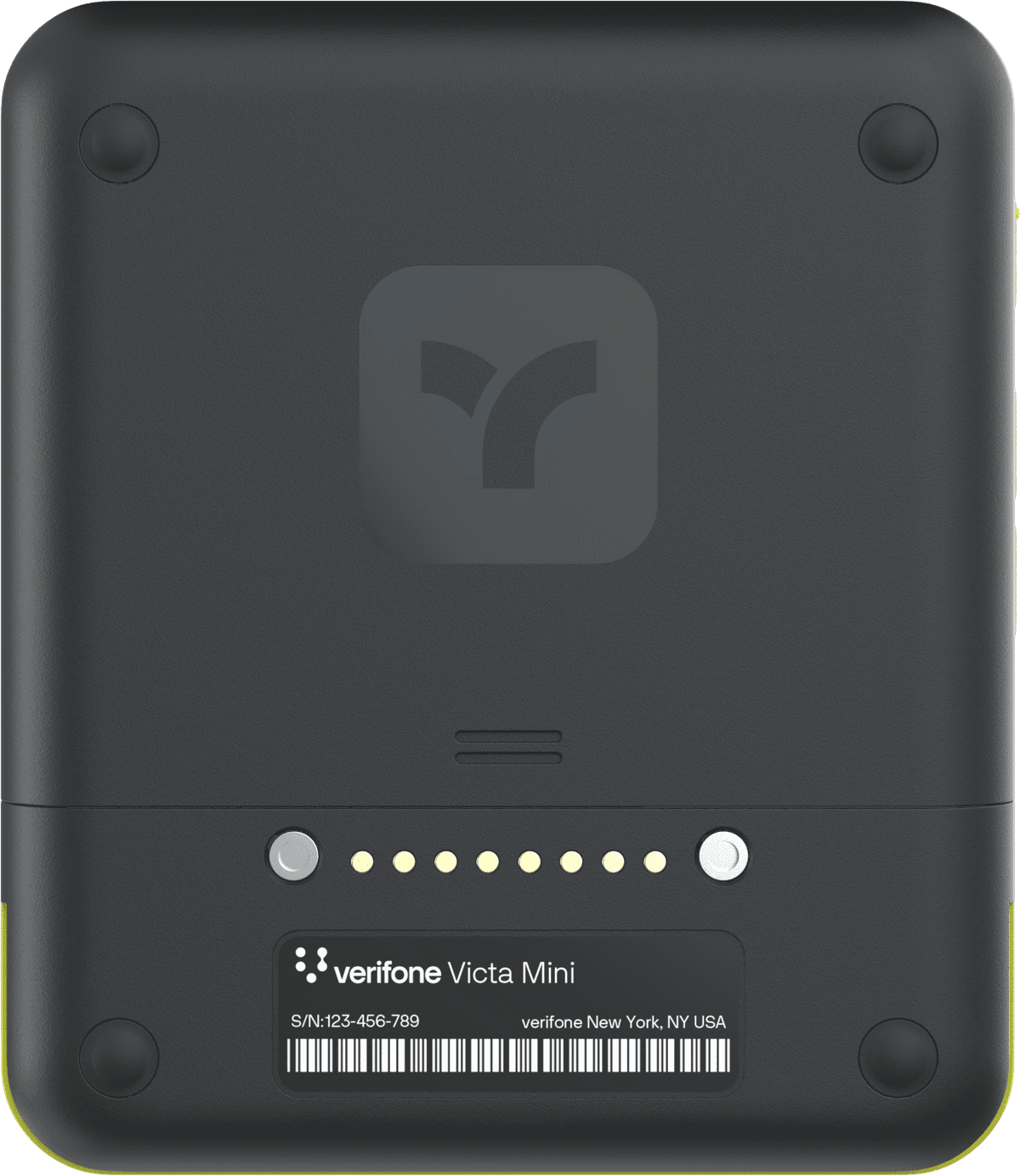
Teya Lite’s battery is field-replaceable, useful over a long trading day.
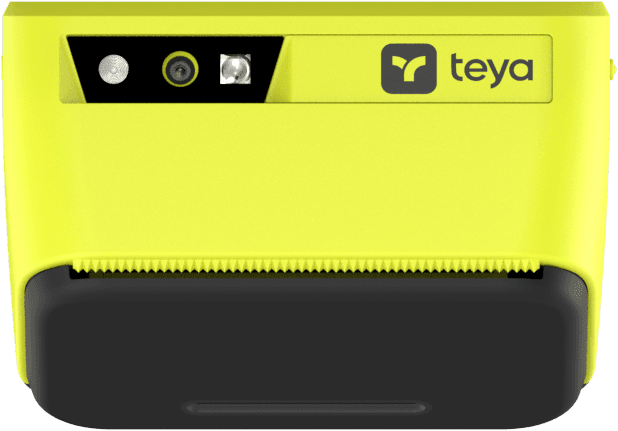
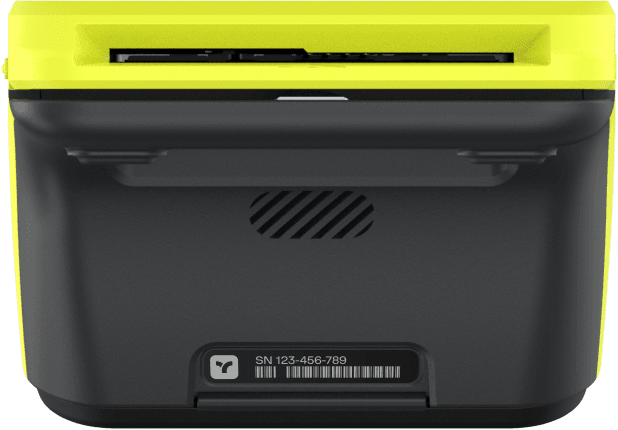
Teya Pro carries a barcode scanner. Teya Lite does not.
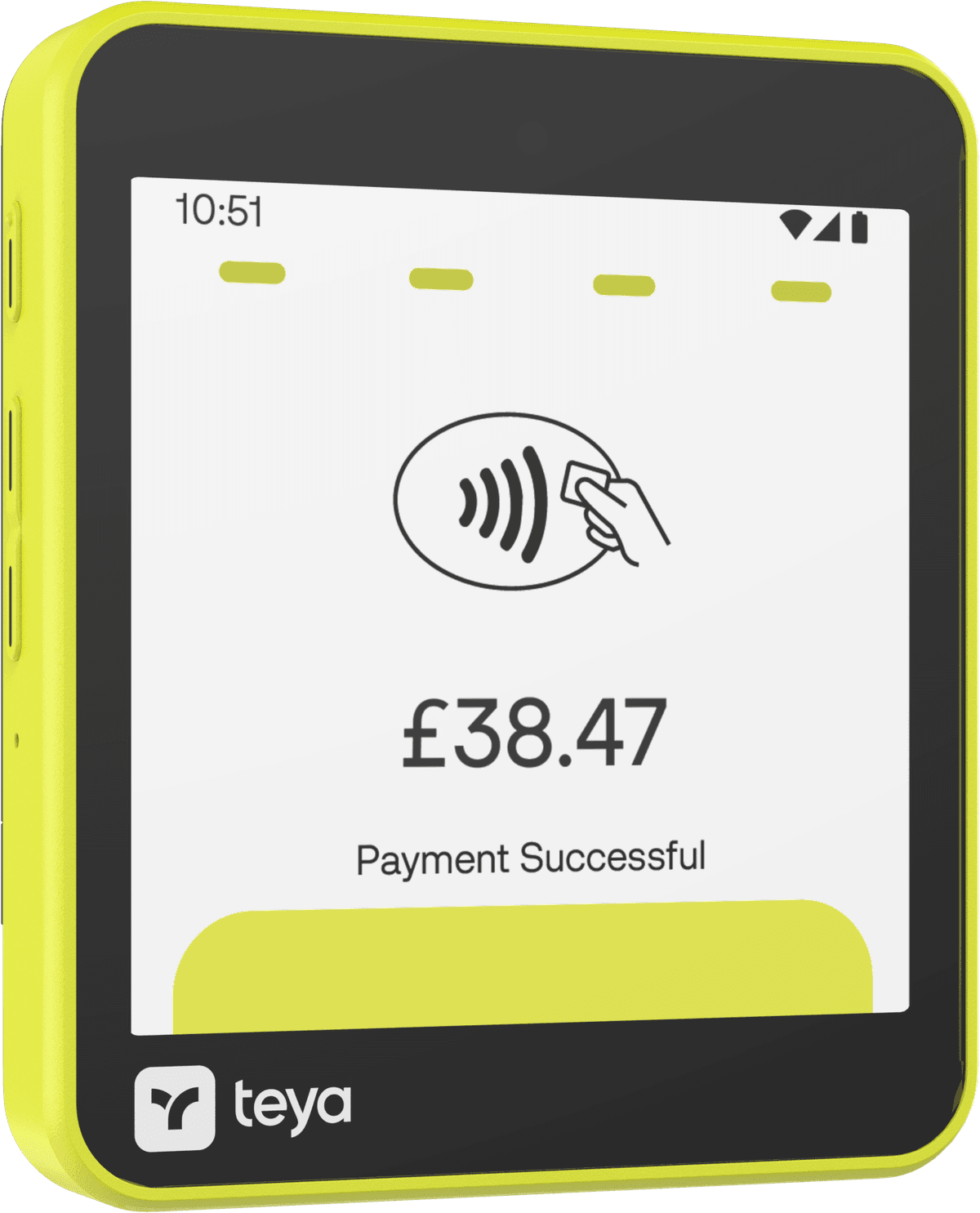
works wherever there is signal, not just where there is a router
Paper or phone receipts
Printer, or no printer.
Built-in printer, prints every receipt.
Teya Pro carries its own thermal printer, ready whenever a customer wants paper in hand.
No printer, digital receipts by NFC.
Teya Lite sends receipts straight to a customer’s phone with a tap. Nothing to load, nothing to run out.
Scanning stock? Teya Pro carries a barcode scanner, Teya Lite does not.
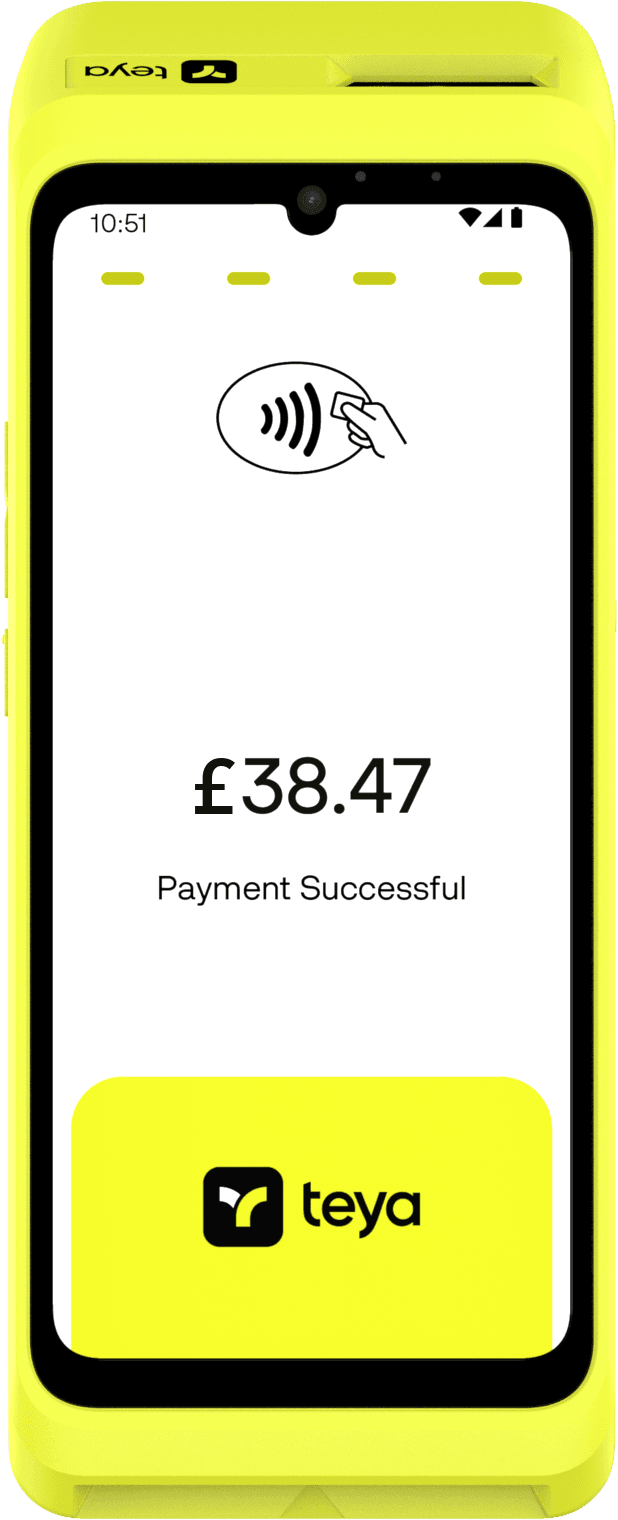
Size and weight
Less than half the weight.
Size and weight. Teya Lite weighs 211 g, less than half of Teya Pro’s 456 g, built to sit in a pocket rather than on a counter.
- Teya Lite, weight
- 211 g
- Teya Pro, weight
- 456 g
- Teya Lite, thickness
- 21.57 mm
- Teya Pro, thickness
- 58 mm
Long trading days
A five-second fix.
Battery. Teya Lite’s battery is field-replaceable, useful over a long trading day. Teya Pro’s is not.
- Teya Pro, battery
- 5000 mAh
- Teya Lite, field-replaceable battery
- 2300 mAh
- Teya Pro, continuous use
- 12 hrs+
Barcode scanner
Scanning stock?
Scanner. Teya Pro carries a barcode scanner. Teya Lite does not.
Side by side
Which one?
| Specification | Teya Pro | Teya Lite |
|---|---|---|
| Receipts | Printer, 58 mm roll | NFC only, no printer |
| Weight | 456 g | 211 g |
| Size | 205 x 82 x 58 mm | 100.18 x 86.45 x 21.57 mm |
| Screen | 6.7 inch, 720 x 1600 | 4 inch, 480 x 480 |
| Battery | 5000 mAh, over 12 hours | 2300 mAh, field-replaceable |
| Barcode scanner | 2 MP, bottom-mounted | None |
| Display | 6.7" colour LCD, capacitive multi-touch, 720 x 1600 HD |
|---|---|
| Processor | Qualcomm QCM2290 quad-core A53, 2 GHz |
| Memory | 4 GB RAM, 32 GB flash |
| Barcode scanner | Bottom-mounted, 2 MP fixed focus with red aimer |
| Camera | Front 5 MP fixed focus |
| Operating system | Verifone Secure OS (Engage VOS3, Android 13 based) |
| Battery | 5000 mAh Li-ion, over 12 hours of continuous use |
| Connectivity | Wi-Fi 2.4 GHz + 5 GHz (802.11 a/b/g/n/ac), Bluetooth 5.0 + LE, 4G LTE Cat 4, eSIM + SIM slot |
| Wired | USB-C, ethernet dongle, USB to POS |
| Payments | Contactless, chip and PIN (EMVCo approved), magstripe, major NFC and CTLS schemes |
| Receipts | NFC-enabled digital receipts and built-in thermal printer (58 mm roll) |
| Size and weight | 205 x 82 x 58 mm, 456 g |
| Durability | IK04 impact rating, IP52 |
| Security | PCI PTS 6.x compliant, supports PCI 7.x |
| Accessories | Feature base, mounting pole, stylus |
| Display | 4" colour IPS, capacitive multi-touch, 480 x 480 |
|---|---|
| Processor | Qualcomm QCM2290 quad-core A53, 2 GHz |
| Memory | 2 GB RAM, 32 GB flash |
| Operating system | VAOS, Android 13 based |
| Battery | 2300 mAh Li-ion, field-replaceable; over 12 hours of battery life, continuous use with the optional charge base |
| Connectivity | Wi-Fi 2.4 GHz + 5 GHz (802.11 a/b/g/n/ac), Bluetooth 5.0 + LE, 4G LTE with 3G/2G fallback, eSIM + SIM/SAM slots |
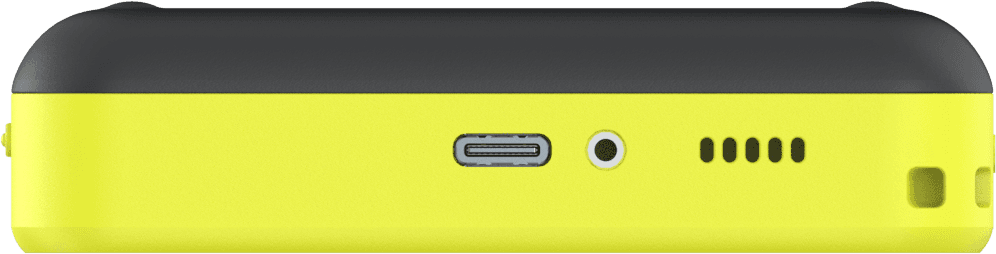
| Wired | USB-C, pogo pin interface |
| Payments | Contactless (MiFare, EMVCo approved), chip and PIN (EMVCo approved), magstripe |
| Receipts | NFC-enabled digital receipts (no built-in printer) |
| Size and weight | 100.18 x 86.45 x 21.57 mm, 211 g |
| Durability | IK04 impact rating, IP53 |
| Security | PCI PTS 6.x compliant, supports PCI 7.x |
| Accessories | Charge base |
| Teya ePOS | Counter Mode and Standalone supported, All in One not supported |
Teya has confirmed a charging and printing base for Teya Lite, planned for October 2026, subject to change. Not yet available.
Questions? Answers.
The terms come from Teya, not from us, and they vary by setup. We will tell you the exact term before you sign rather than after.
Teya. They are the regulated party and the acquirer. Klipy is an Independent Sales Channel: we get you set up and stay reachable, but we do not handle your money.
You send one recent statement. Our calculator reads what you actually pay, including your card mix and ticket sizes, and returns a rate. There is no negotiation, so it does not matter how hard you push.